Can I add or update a practice address?
Yes, but with some limitations.
Written By Stephane Recouvreur
Last updated 4 months ago
Update
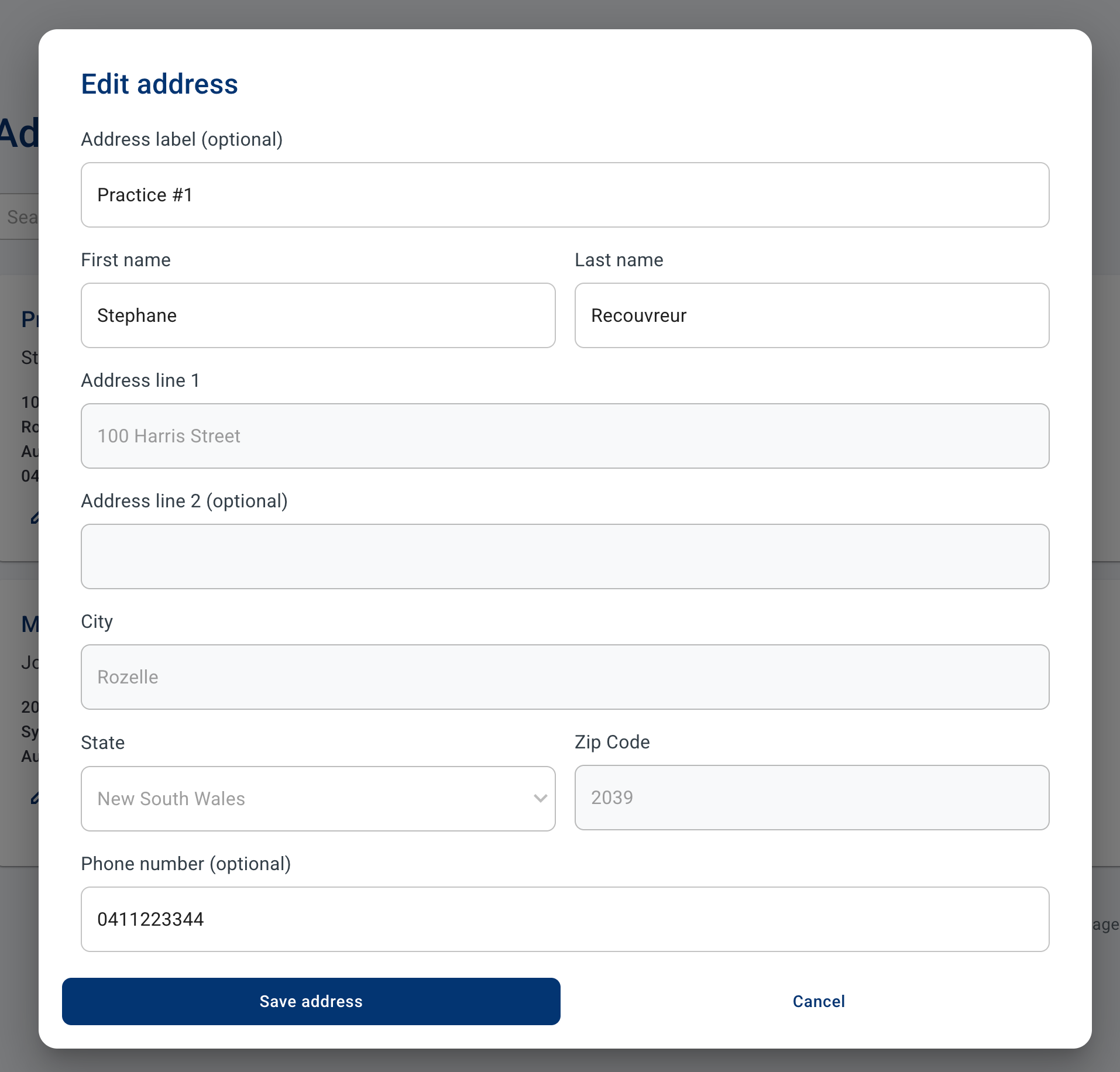
Go to Addresses > select the address you would like to edit and click on the little pen.
You can only edit the following fields:
Address label: this is used to help you quickly distinguish between all your addresses (e.g. Emergency ward, etc)
First and last name: for delivery purposes.
Phone number
Note that you can delete an address provided there is at least one other address on your account, as each account must have a minimum of one address.
Create a new address
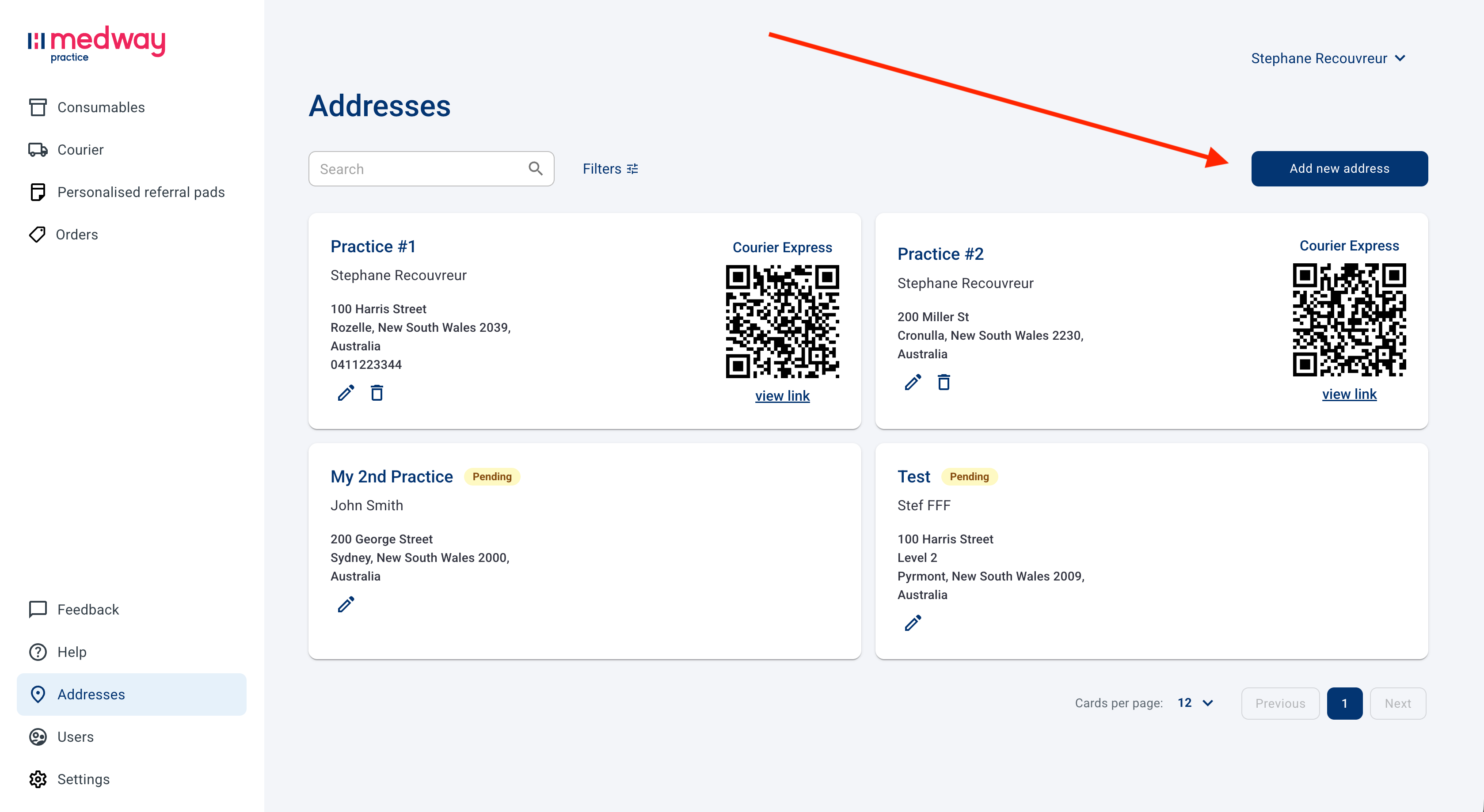
Go to Addresses > and click on “Add new address”.
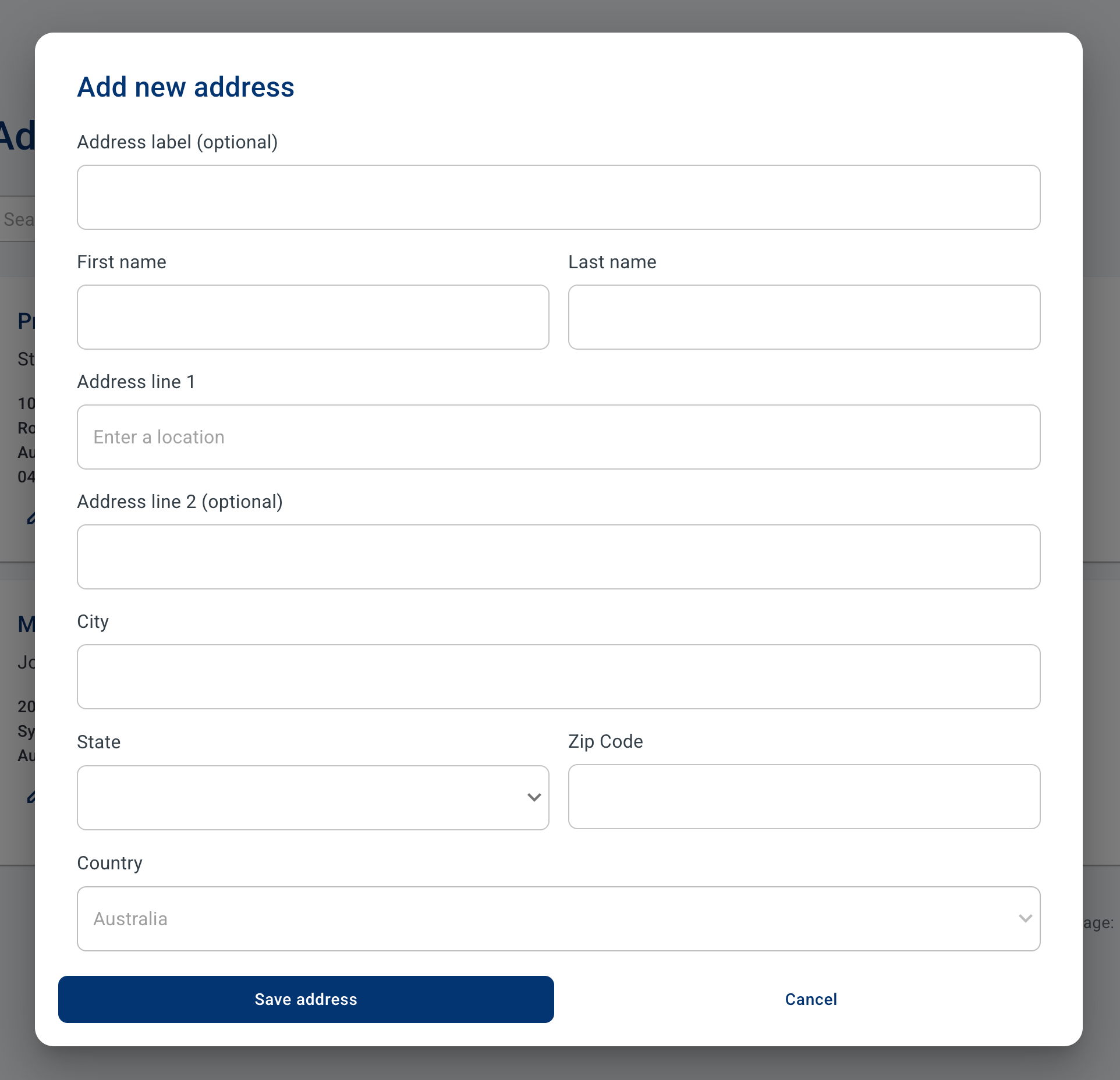
Here, you can enter a new address.
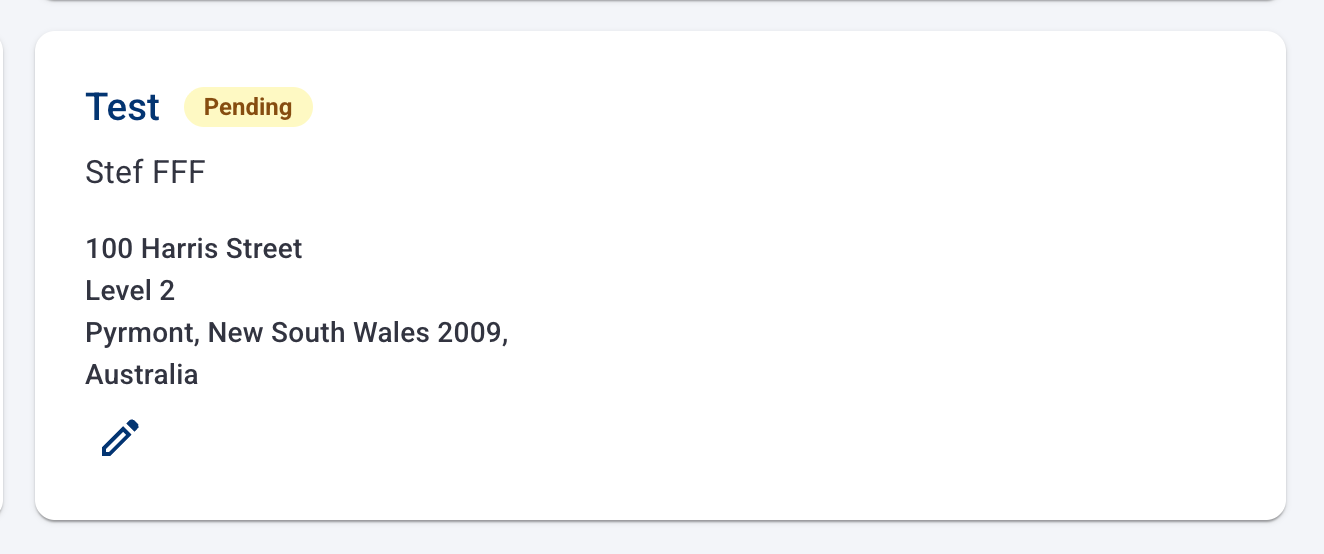
Once saved, your address will show as “Pending” and cannot be used until approved by our staff (within 48 business hrs).